
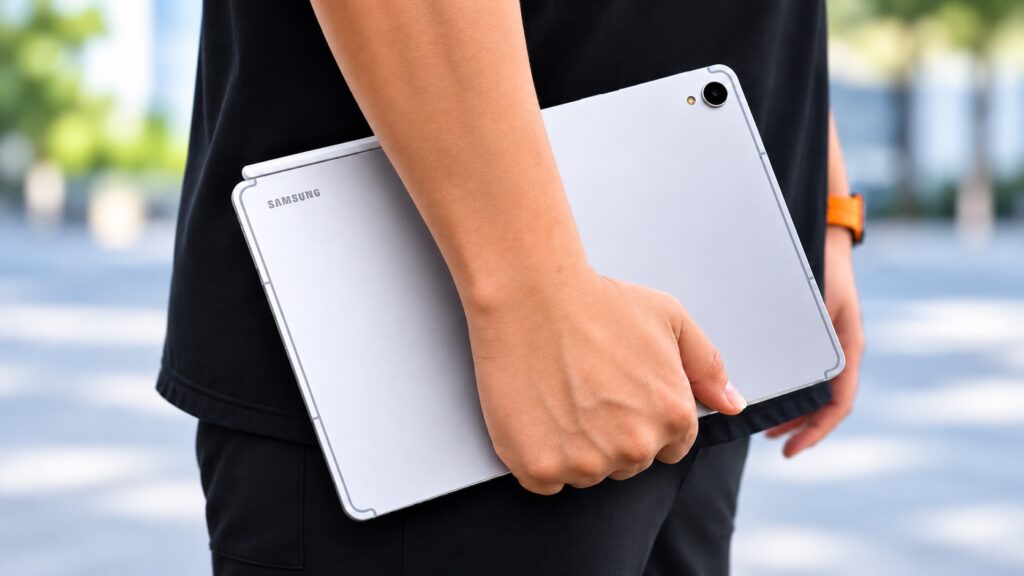
I spent two weeks using the Samsung Galaxy Tab S12+ for the jobs I usually reach for a laptop to do: writing articles, answering emails, looking up information and editing short videos. In Malaysia, it starts at RM4,999. At that price, I wanted to know how often I could leave the laptop behind.
A 12.6-inch tablet I actually wanted to carry
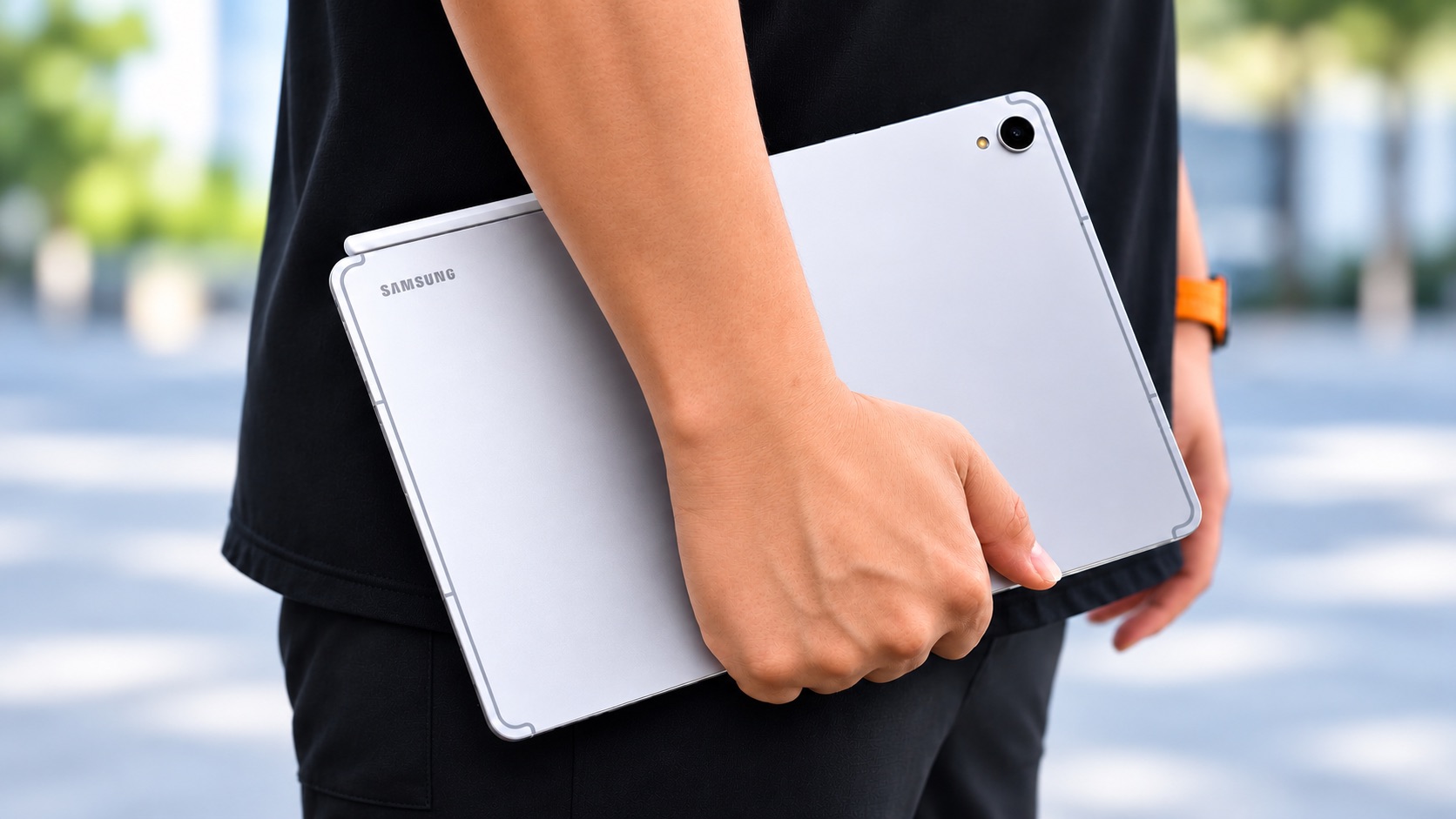
The first thing I noticed was how thin the Tab S12+ feels. Its metal body is just 5.3mm thick, and despite the 12.6-inch screen, it never felt especially bulky in my bag. I could pick it up to read on the sofa, reply to an email while out or jot down an idea without having to set up at a desk. That flexibility was what I appreciated most compared with carrying a laptop.
The AMOLED display works as well for editing as it does for streaming
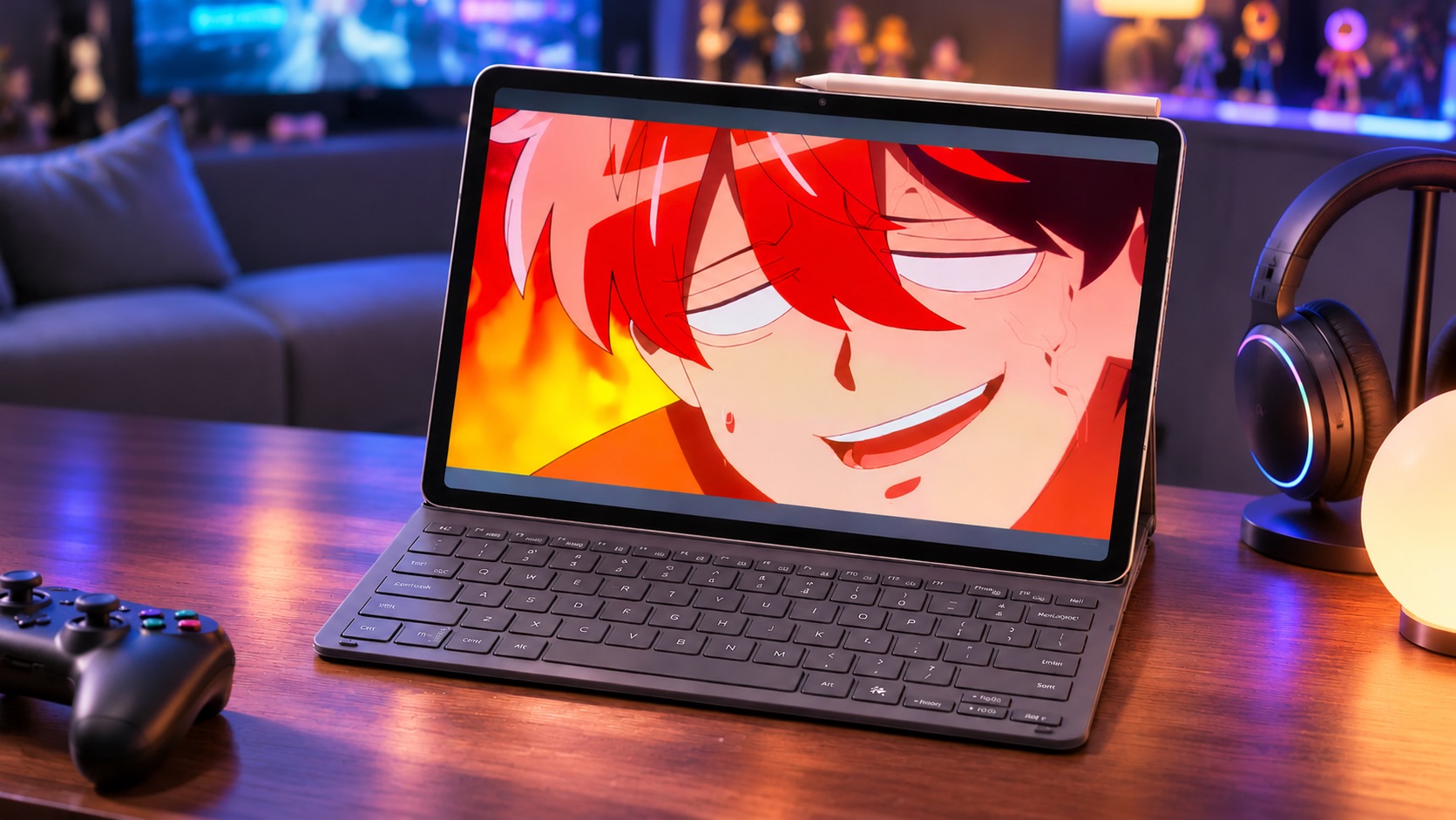
The 12.6-inch Dynamic AMOLED 2X display runs at up to 120Hz, which keeps scrolling and app transitions smooth. The rich colours and deep contrast stood out when watching YouTube and Netflix, while the four speakers made the tablet an enjoyable screen for streaming and gaming.
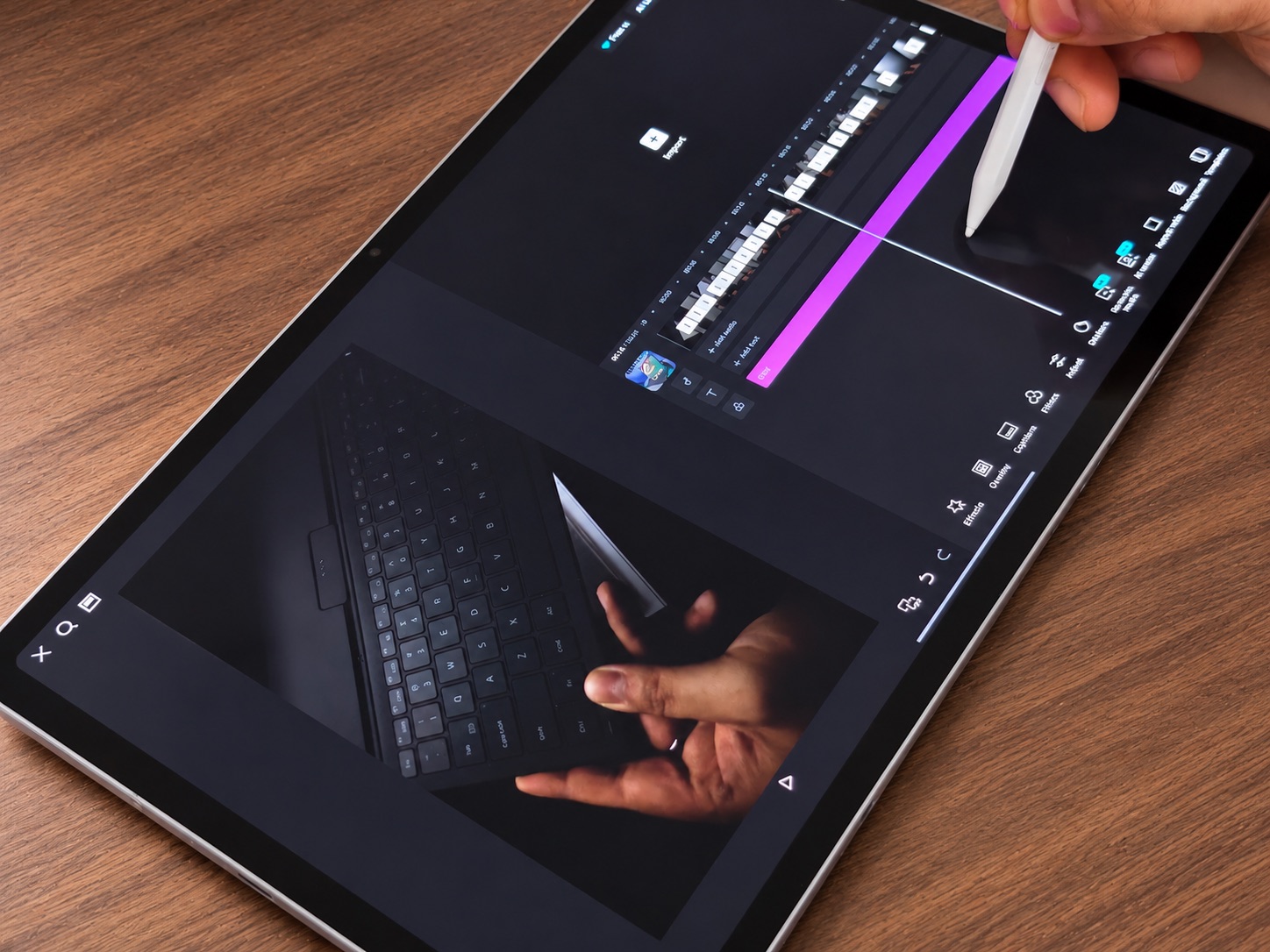
I appreciated the size just as much when working. Documents and web pages were comfortable to read, and I could keep a video preview and timeline on screen together without feeling cramped.
DeX and the keyboard make the biggest difference to my work
The optional Book Cover Keyboard Slim made replying to emails and writing articles much easier than typing on glass. It has no trackpad, so I still reached for the screen to move around. An external mouse is an option if you prefer a pointer, especially when working at a desk.
Samsung DeX gave me a desktop-style workspace with resizable windows. I could look up a detail in the browser while keeping Samsung Notes open, or refer to a document while replying to an email. Having both apps visible saved me from switching back and forth as often.
The included S Pen earns its place even if you rarely take handwritten notes. I found it useful for marking up PDFs, touching up photos and nudging clips on a video timeline. It attaches magnetically to the tablet when I’m done.
Short 4K edits felt manageable
The MediaTek Dimensity 9500 and 12GB of RAM kept web browsing, documents, app switching and games running smoothly during my two weeks. The tablet comes in 256GB and 512GB storage versions and supports microSD expansion up to 2TB.
Editing short 4K videos was the most interesting test for me. The large display gave me a clear view of both the timeline and the preview, and the S Pen made small adjustments easier than using my finger. That was enough for the short clips I worked on. I’d still reach for a laptop for a complex project or one that depends on desktop editing software.
Galaxy AI and Gemini fit into the split-screen workflow
Galaxy AI offers tools to organise notes, translate text and help with writing. Gemini can assist with research and summaries. I could keep those tools beside the app I was working in, which made them easier to consult without interrupting what I was doing. Samsung also lists a six-month Google AI Pro trial for eligible users.
Battery life with my mix of work and entertainment
The 10,600mAh battery supports 45W wired charging. With intermittent browsing, video playback and editorial work, I typically went a few days between charges. That reflects how I used it during the review. Long editing sessions, gaming and high screen brightness will drain it faster.
Verdict: I could leave the laptop behind for some jobs
After two weeks, I’d happily take the Tab S12+ out for writing, emails, research, PDF markups and quick video edits. DeX and a physical keyboard made it practical for longer sessions, while the S Pen gave me a convenient way to annotate and make precise edits. For complex projects or workflows built around Windows or macOS apps, I’d still pack my laptop.
At RM4,999, it’s an expensive tablet if you mostly want to watch shows. It makes more sense if you’ll regularly use the screen, S Pen and DeX for work as well as entertainment. If typing is central to your workflow, factor in the optional keyboard and whether you’ll want a mouse.
Adapted from the original two-week MDROID review. See Samsung Malaysia for local pricing and configurations.


